
CERTUM BLOG
Certum Solutions Business Resource Hub
Practical insights, expert tips, and fresh ideas to help your business thrive.

Case Study: How R-Mar Electric Streamlined Construction Accounting with QuickBooks Online
Learn how R-MAR Electric, a Matthews NC commercial electrical contractor, streamlined bookkeeping, payroll, and job costing with QuickBooks Online and expert mentoring from Certum Solutions.
QuickBooks Online Features: August 2023
Each month, Certum Solutions presents feature highlights in QuickBooks Online, QuickBooks Online Advanced, and other products in the Intuit ecosystem. If these updates are helpful to you and your business, please drop us a note to tell us how you are using them, and what you’d like to see us cover in the future
QuickBooks Online Serves Several Sizzling Updates in July
QuickBooks Online is continuously evolving to meet the needs of small businesses, and July 2023 brings some exciting updates to the platform. Hot off the presses, these are the latest features and improvements to four areas of QuickBooks Online. Don’t break a sweat this summer; take advantage of the updates to make the most out of your software.

QuickBooks Online Advanced Gets Powerful Reporting Updates in March 2023
March comes in like a lion, roaring into action with a flurry of updates for QuickBooks Online Advanced®, QuickBooks Online®, and QuickBooks Payments.
I’m especially excited about the fleet of changes that make QuickBooks Online Advanced even better for creating, comparing, and sharing custom reports. If you’re planning to grow your business, these tools can help you make decisions by keeping the right data at your team’s fingertips.
![QuickBooks Online Automatic Invoice Reminder Emails [Video]](https://images.squarespace-cdn.com/content/v1/5f3134cbe3264f3aee755c45/1599775270898-PAW6NHWSOIJXFLEJYLVR/Katies+Desk+Slide.jpg)
QuickBooks Online Automatic Invoice Reminder Emails [Video]
Automated Invoice reminder emails are set up differently in QuickBooks Online Plus, QuickBooks Online Advanced, and QuickBooks Desktop. These videos go through the two different avenues to send automated reminders to your customer when their payment is due on the QuickBooks Online platform. I will add another post with the QuickBooks Desktop method soon.
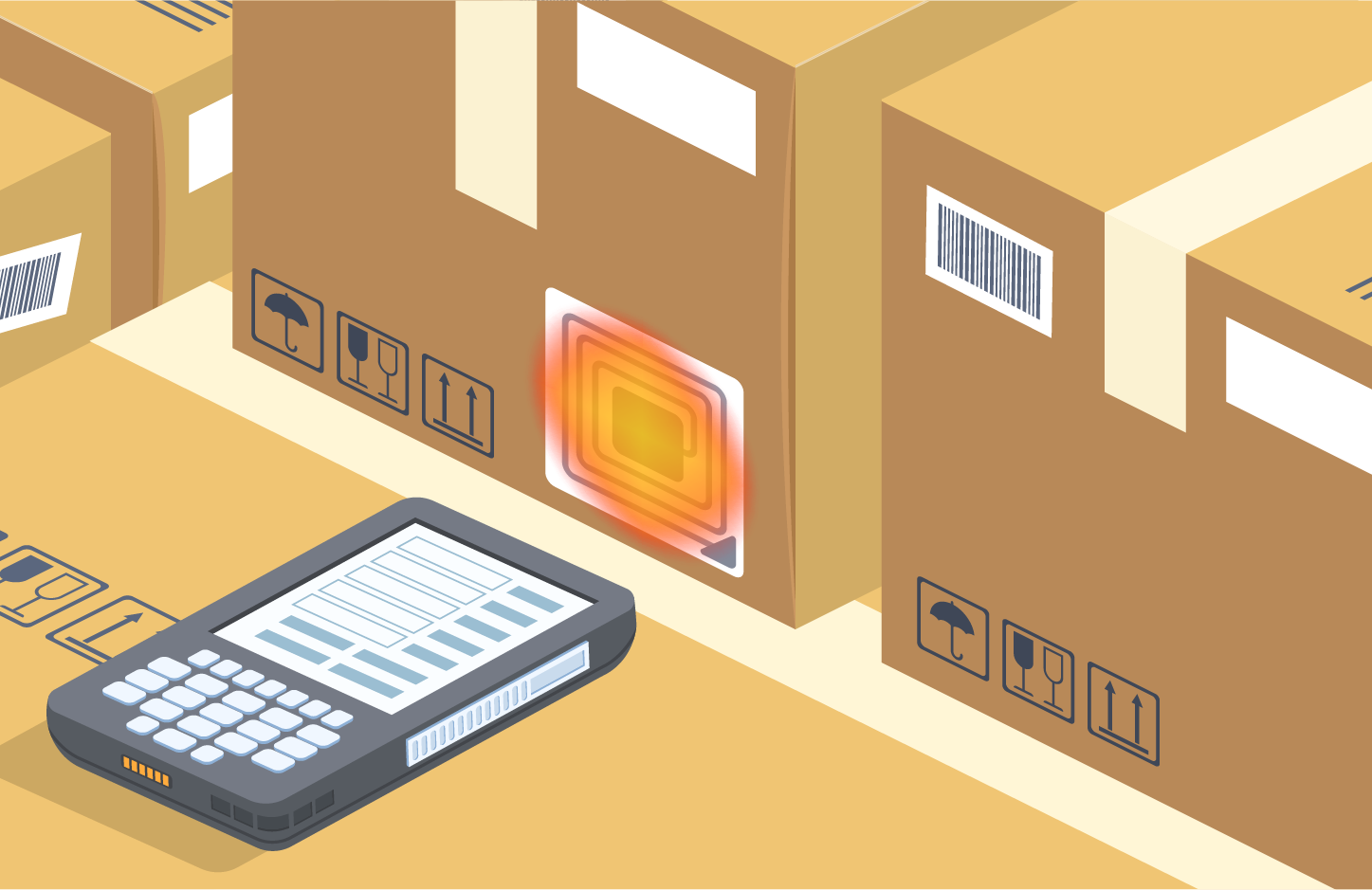
Getting Started with Barcode Scanners for QuickBooks Enterprise
The Zebra is an Inventory Scanner. I can walk into the warehouse, scan items, and do tasks. You can also use the Zebra TC20, but the TC25 is more robust
Printable Resources
Subscribe to our monthly email newsletter!
More From Certum Solutions
Explore Additional Services
Certum connects it to your inventory, payroll, operations, and financial strategy — so every part of your business runs on the same source of truth.
QBO, Odoo, Xero, Zoho & more
Let's figure out what your business actually needs
You don't need more software recommendations from someone who doesn't know your business. You need a straight answer from someone who does. Tell us where you're at; we'll tell you exactly what makes sense next, whether that's cleaning up your books, switching platforms, or building a financial system from the ground up. No pressure, no obligation, just clarity.
Prefer to call? (980) 210-6946