

QuickBooks Conversion Services — Desktop to Online, IES, and Beyond
Certum Solutions manages QuickBooks conversions from start to finish, with a fixed scope and a US-based team that's been doing this since 2005.
Top Partner
Elite QuickBooks Pro Advisor nationally; certified since 2005
500+
businesses converted across all QB products
U.S.-Wide
Remote & On-Site
Implementation
13+ Intuit Awards
Including 2021 Top QB Enterprise Award
QuickBooks Solution Provider
Intuit-authorized, multi-award-winning partner
Cleanup & Rescue Projects
We fix what previous setups left broken
4.6/5 Google Rating
Trusted by businesses nationwide
ProAdvisor Certifications
Online, Advanced, Enterprise & Desktop
QuickBooks Migration Expert
Clean, validated move from QBD to QBO
Quick Summary
QuickBooks conversion is one of the most consequential projects a growing business will undertake — and one of the most commonly underestimated. Moving from QuickBooks Desktop to QuickBooks Online, or from either platform to Intuit Enterprise Suite, isn't a file transfer. It's a data audit, a chart of accounts review, an integration reconfiguration, and a workflow redesign — all of which determine whether your books are clean and accurate on the other side, or whether you're six months into the new platform fixing errors that were baked in at go-live. Certum Solutions manages QuickBooks conversions from start to finish, with a fixed scope & a team that's been doing this since 2005.
The Bigger Picture
What "QuickBooks Conversion" Actually Means
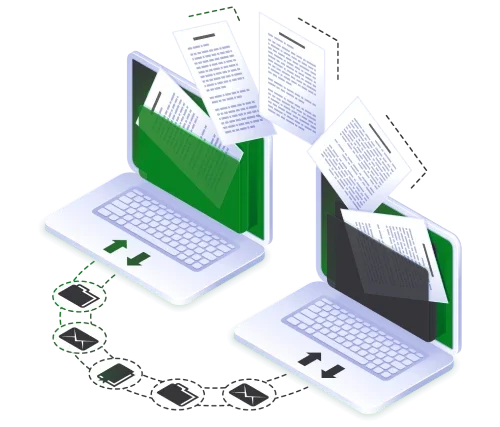
QuickBooks conversion refers to the process of moving your company file, historical data, chart of accounts, vendor and customer records, and open balances from one QuickBooks platform to another — or from QuickBooks to a different accounting system entirely. It includes data migration, cleanup of legacy errors, chart of accounts restructuring, integration setup, and team training in the new environment.
What We Do
QuickBooks Conversion Paths We Handle
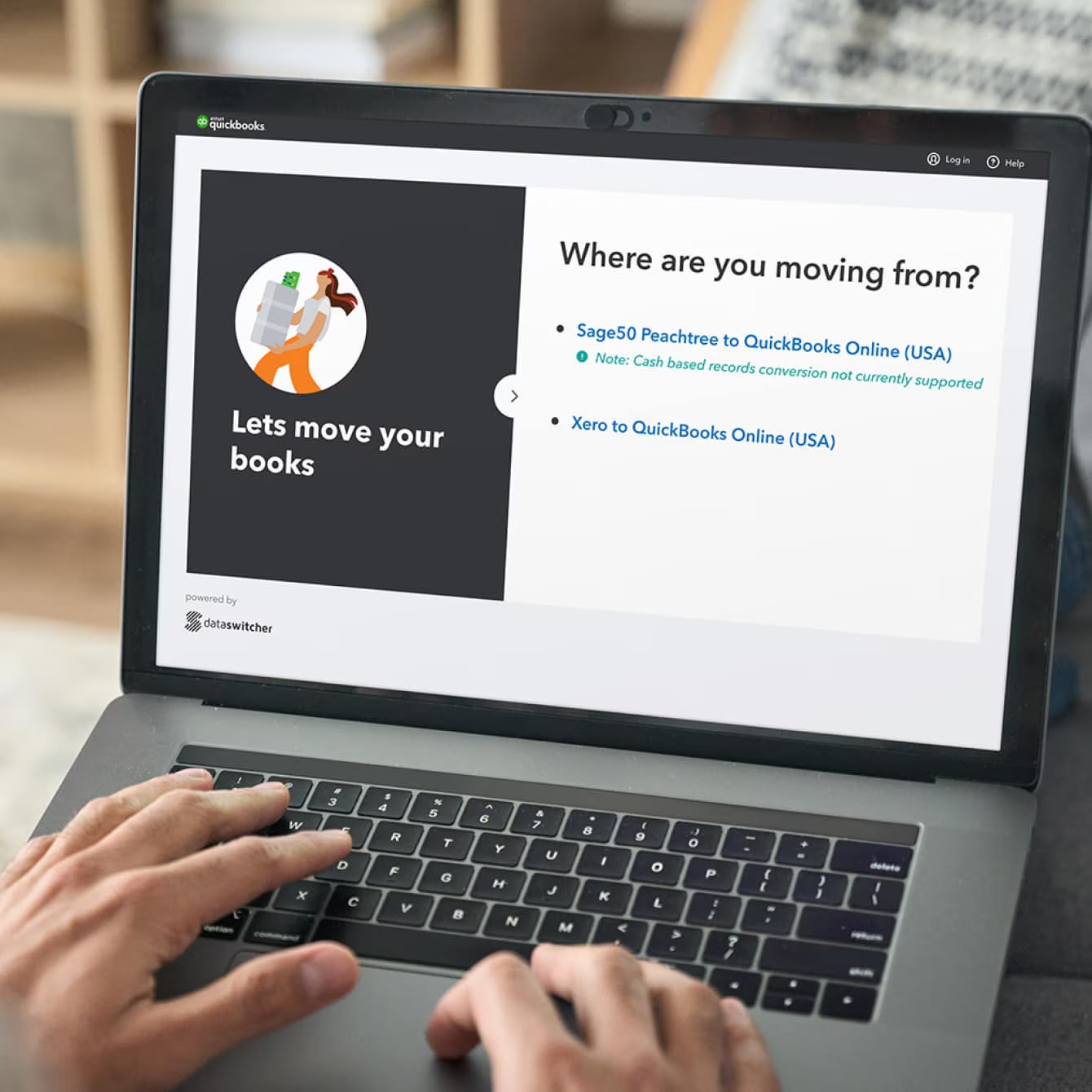
QuickBooks Desktop → Intuit Enterprise Suite (IES)
For businesses outgrowing Desktop's user limits, inventory constraints, or multi-entity limitations, IES is the natural next step — cloud-native, Intuit-familiar, and significantly more capable than either Desktop or QBO. Certum is a certified IES implementation partner and has completed this migration path more than any other in our practice.
QuickBooks Desktop → QuickBooks Online
The most common conversion we handle. Certum audits your Desktop file before migration begins, resolves data quality issues, restructures the chart of accounts for the QBO environment, migrates historical data with year-over-year reporting continuity, and configures the integrations your business needs before go-live. Most Desktop-to-Online conversions take 3–6 weeks depending on file complexity.
QuickBooks Online → Intuit Enterprise Suite
For businesses that moved to QBO and have now hit its ceiling — typically around the time multi-entity reporting, advanced inventory, or user capacity become issues — IES provides the next tier of capability within the Intuit ecosystem without requiring a platform change to Odoo or another ERP.
QuickBooks Desktop → Zoho Books
For businesses consolidating into the Zoho ecosystem — CRM, inventory, accounting, and HR under a single platform — Certum migrates QuickBooks financial data into Zoho Books including chart of accounts mapping, vendor and customer record import, historical transaction migration, and first-month-end close verification.
QuickBooks Desktop → Xero
For businesses that prefer Xero's interface or are moving into an industry where Xero has stronger ecosystem support — construction in some markets, service businesses, e-commerce operations using Xero-native integrations — Certum handles the full conversion including historical data preservation, chart of accounts rebuild, and Xero integration configuration.
Other Accounting Software → QuickBooks
Certum also handles conversions from Sage, Peachtree, Dynamics GP, FreshBooks, Wave, and other legacy systems into QuickBooks Online, QuickBooks Enterprise, or IES. If you're moving from a platform not listed here, contact us — we've likely done it.

Awards & Certifications
Not sure if your QuickBooks file is ready to convert?
That's the first question we answer — before any proposal is written. We'll audit your current file, tell you exactly what's in it, what needs to be resolved before migration, and which conversion path makes the most sense for your business. No surprises mid-project. No errors discovered after go-live.
Fixed-scope proposals only · US-based team · Same-day response
Prefer to call? (980) 210-6946
Honest Guidance
Why Most QuickBooks Conversions Go Wrong
The data is migrated without being audited first.
The QuickBooks conversion tool moves your data as-is — including every misclassification, duplicate vendor, reconciliation error, and chart of accounts mistake that's been accumulating since the file was created. Most businesses that do a self-service conversion discover these problems six months later when the new platform's reports don't match reality. Certum runs a file audit before migration begins, identifies the errors, and resolves them before they move into the new environment.
The chart of accounts isn't rebuilt for the new platform.
What works in QuickBooks Desktop doesn't always work in QuickBooks Online or IES — and what was set up incorrectly in Desktop becomes a structural problem that limits your reporting in the new system. Certum rebuilds the chart of accounts as part of every conversion, designed around the reporting your business actually needs, not replicated from what was there before.
The integrations aren't reconfigured for the new platform.
If your business connects QuickBooks to a payroll system, inventory platform, e-commerce tool, or CRM, those integrations need to be reconfigured — not just reconnected — after a conversion. Integration configuration for QBO is different from Desktop. Certum identifies every integration in your current environment during discovery and ensures each one is properly configured in the new platform before go-live.
How we work
Our QuickBooks Conversion Process
01
Step 1: File Audit and Conversion Scoping
We review your current QuickBooks file — Desktop or Online — for data quality issues, chart of accounts structure, reconciliation gaps, integration dependencies, and historical data that needs to carry forward. This produces a written scope document with a fixed timeline and itemized pricing before any work begins.
02
Step 2: Data Cleanup and Chart of Accounts Restructuring
We resolve the errors identified in the audit and rebuild the chart of accounts for the destination platform. This step happens before migration, not after — so the new environment starts with clean data, not a replica of whatever was wrong in the old one.
03
Step 3: Data Migration and Integration Setup
We migrate your chart of accounts, vendor and customer records, open balances, historical transactions, and inventory data to the new platform. We configure every integration — payroll, inventory, e-commerce, banking — in the new environment and test each one against real transaction data before go-live.
04
Step 4: Parallel Testing Phase
We run both systems simultaneously for a defined testing window — typically two to four weeks — so your team can validate the new environment against the old one. Go-live happens when your team is confident, not on an arbitrary calendar date.
05
Step 5: Training and First Close
We deliver role-specific training inside your configured environment — not a generic platform tutorial. We complete the first month-end close alongside your team and document the close process so your team can run it independently going forward.
FAQ
QuickBooks Conversion FAQ
-
Most QuickBooks Desktop to QuickBooks Online conversions take 3 to 6 weeks from file audit to go-live, depending on file complexity and the number of integrations that need to be reconfigured. Desktop-to-IES conversions typically run 6 to 10 weeks. Desktop-to-Odoo conversions range from 10 to 20 weeks depending on operational data complexity. Every engagement includes a parallel testing phase before the old system is decommissioned. Certum provides a fixed timeline estimate in writing during the scoping phase.
-
The QuickBooks conversion tool provided by Intuit migrates your transaction data from Desktop to Online, but it doesn't audit data quality before migration, rebuild the chart of accounts for the new environment, resolve legacy errors and reconciliation gaps, or configure your integrations in the new platform. For businesses with clean files, simple structures, and no third-party integrations, the DIY conversion tool works. For businesses with years of accumulated data, multiple integrations, or chart of accounts structures that need cleanup, a professional conversion prevents the errors from moving into the new system where they compound further.
-
A properly managed QuickBooks conversion includes your chart of accounts, all customer and vendor records, open invoices and bills, bank accounts and credit card accounts, employee records (for payroll migrations), and historical transaction data as far back as you choose to carry forward. Inventory data migration requires additional configuration. Certum preserves year-over-year reporting continuity so financial comparisons remain valid after cutover.
-
Your original QuickBooks Desktop file is not deleted or modified during conversion — we work from a backup and leave the source file intact until you've verified the new environment and decided to decommission it. Most clients keep a read-only copy of their Desktop file for historical reference even after going fully live on the new platform.
-
Yes. Certum handles conversions from Sage 50, Sage 100, Peachtree, Microsoft Dynamics GP, FreshBooks, Wave, and other legacy accounting systems into QuickBooks Online, QuickBooks Enterprise, or Intuit Enterprise Suite. The process follows the same structure — file audit, data cleanup, migration, integration setup, parallel testing — adapted for the source system's data format and export capabilities.
-
Intuit ended service for QuickBooks Desktop 2023 in May 2026. If you're on a version that has reached end-of-service, you will no longer receive security updates, payroll tax table updates, or Intuit support. You're not legally required to convert, but continuing to operate on an unsupported version creates security and compliance risks. Most businesses in this situation choose to convert — either to QuickBooks Online, Intuit Enterprise Suite, or another platform — and the conversion is smoother when planned than when forced by a security event. Certum can assess your current version and recommend the right conversion path.
Let's get your QuickBooks conversion done right — the first time.
Whether you're moving from QuickBooks Desktop to Online, upgrading to Intuit Enterprise Suite, or switching platforms entirely, the difference between a clean conversion and a six-month cleanup project is what happens before migration begins. Certum has been converting QuickBooks files since 2005. We audit first, migrate second, and stay involved through your first close in the new system.
Certified since 2005 · 500+ businesses converted · Fixed-scope every time
Prefer to call? (980) 210-6946
Average response time: same business day. You'll work directly with our team — not a ticketing system.