
FREE RESOURCES FOR BUSINESSES
Accounting & ERP Guides, Comparisons, and Tools for Growing Businesses
Still trying to figure out whether QuickBooks, Xero, Zoho, or a full ERP system is the right fit; or whether your current setup just needs to be cleaned up and configured properly? This is where Certum Solutions publishes the guides, comparisons, checklists, and case studies we wish more businesses had before they signed a software contract or hired a bookkeeper. Everything here is written by our own accounting and ERP consulting team for U.S.-based small and mid-sized businesses (roughly $1M–$50M in revenue) evaluating their systems in 2026; not outside contributors guessing at what matters.
Not sure where to start?

Head-to-head breakdowns of QuickBooks, Xero, Zoho, Odoo, and ERP options, built to help you decide, not just compare features.Free checklists, templates, and calculators you can use todayStep-by-step walkthroughs recorded inside real QuickBooks, Xero, and ERP accounts.Real Certum client stories: the problem, the system we implemented, and the result.In-depth articles on QuickBooks, Xero, Zoho, ERP, & running the financial side of your business.Latest from Certum
The newest guides, updates, and breakdowns from our team — covering QuickBooks, Xero, Zoho, ERP, and everything in between.
The QuickBooks Nonprofit Setup Checklist Organizations Are Missing
QuickBooks works fine for nonprofits — if it's actually set up like one. Here's the checklist most organizations are missing, and the signs your current setup needs a second look.
How to Move From Excel to QuickBooks Without Losing a Single Number
Your spreadsheet worked fine until it didn't — broken formulas, no audit trail, hours spent reconciling by hand. Here's how to move to QuickBooks without losing your historical data or your patience.
The QuickBooks Migration Checklist That Catches What the Export Tool Won't Tell You
Your QuickBooks migration doesn't have to become a six-week cleanup project. Before you touch the export button, run through this checklist — and find out exactly where DIY migrations quietly go wrong.
QuickBooks Online Is Raising Prices August 1 — Plan Costs & What to Do
QuickBooks just announced its biggest price increase in years, effective August 1, 2026. QBO Plus jumps 41%. Advanced jumps 70%. Here's the full breakdown by plan — and whether it's time to upgrade, stay, or switch.
The 10 Best Accounting & Bookkeeping Software for Small Business in 2026
QuickBooks Online, Xero, Zoho Books, and Odoo compared—pricing, features, best use cases, and expert recommendations. Free online accounting software comparison guide and video overview. We offer free consultations and quotes, schedule one today to see how we can help you pick the best accounting software for your business needs.
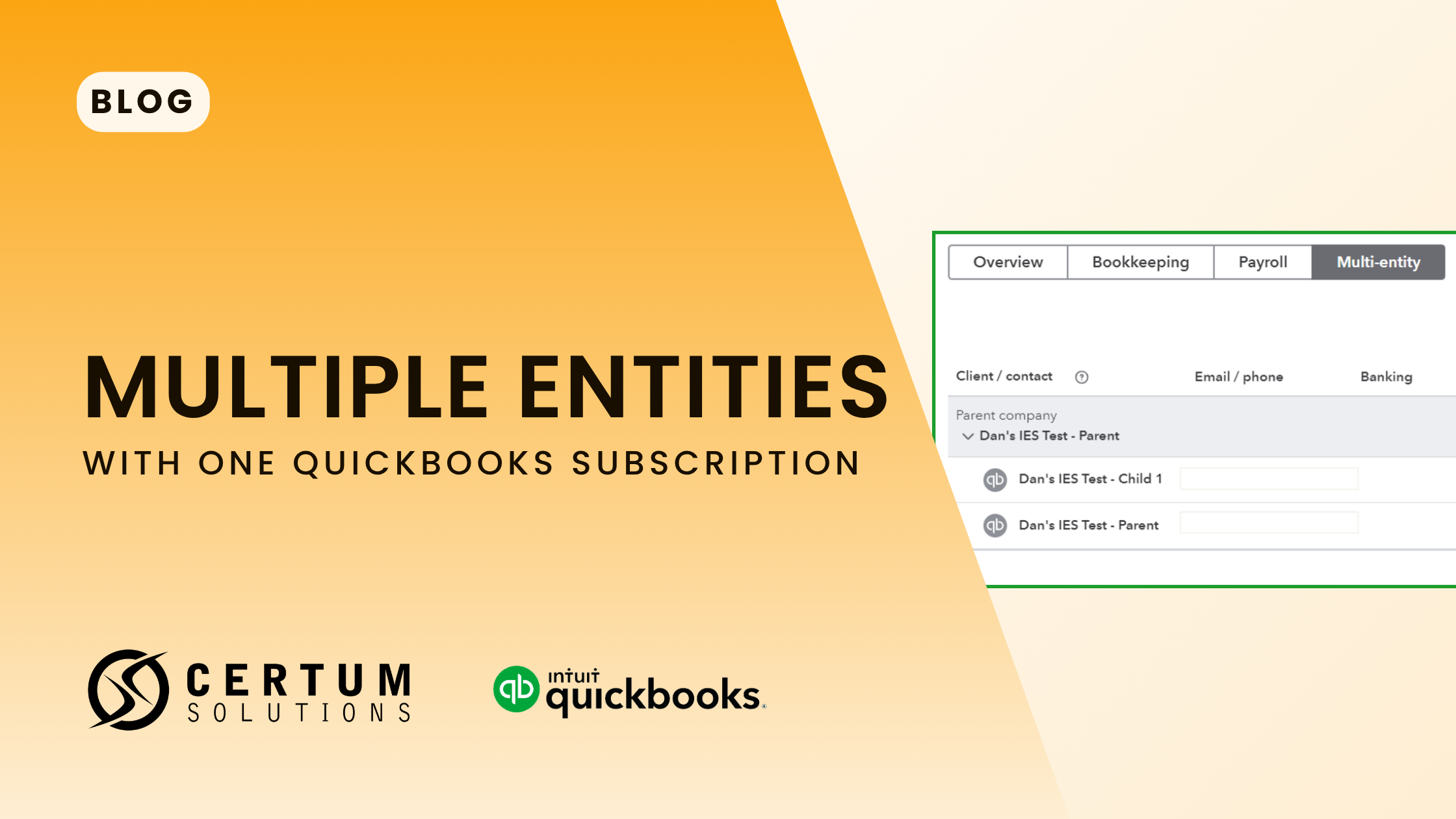
Why You Should Never Put Multiple EINs in One QuickBooks File
Running multiple EINs (Employer Identification Numbers) in a single QuickBooks file is widely flagged by accounting professionals as a high-risk practice. It creates commingled financial records, breaks payroll tax compliance, distorts reporting, and can pierce the corporate veil that protects business owners from personal liability. The fix requires a clean separation of company files; rule of thumb is one QuickBooks file per EIN.
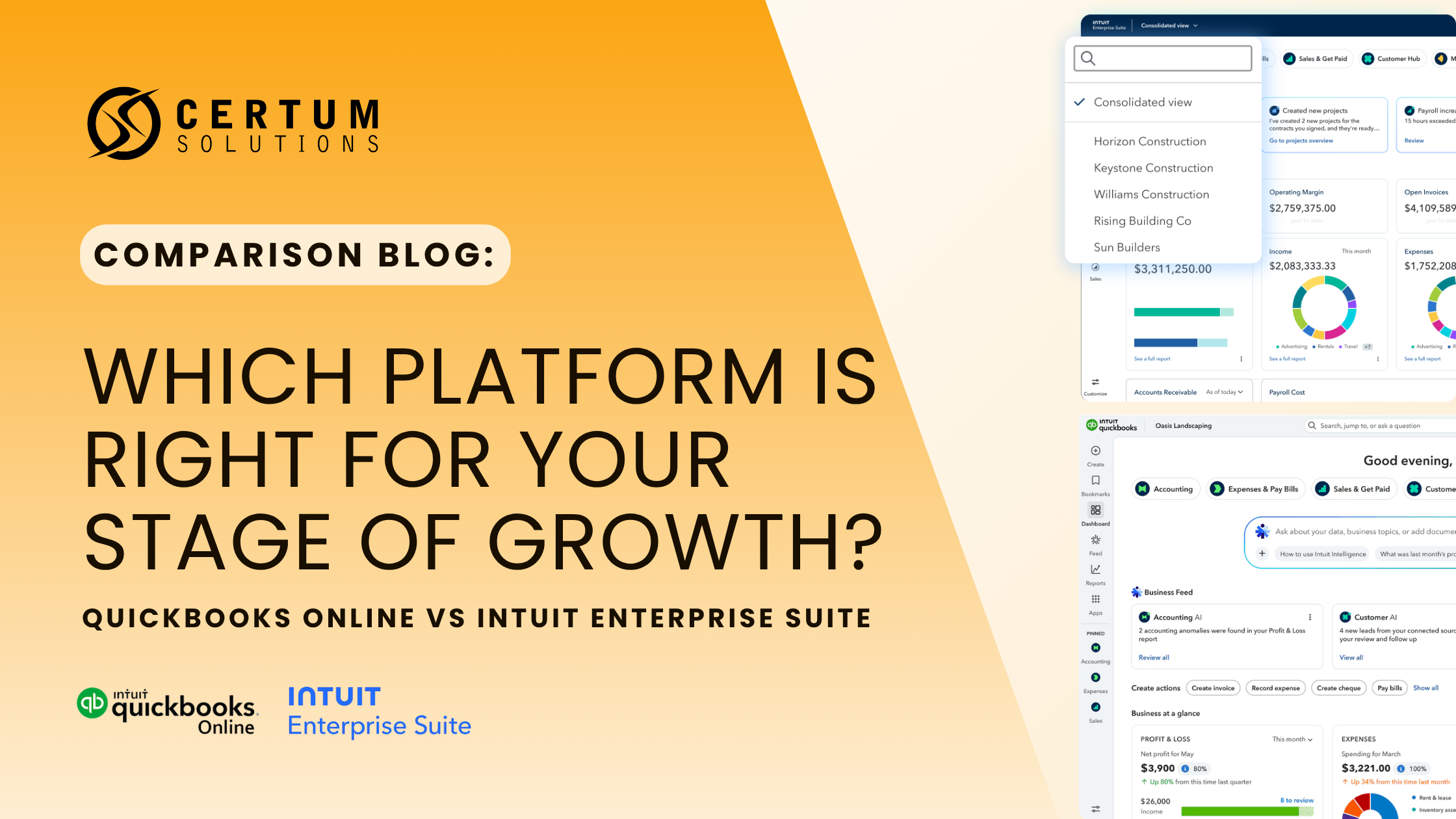
QuickBooks Online vs. Intuit Enterprise Suite: Is It Time to Upgrade?
Still on QuickBooks Online but feeling the squeeze? This guide cuts through the marketing noise and tells you exactly when QBO is still the right call — and when (IES) Intuit Enterprise Suite is the smarter move for your business.

QuickBooks Online Plans Compared (2026): Which One Is Right for Your Business?
QuickBooks Online Plus is the most purchased plan — but only when it's configured for how your business actually works. Most business owners who DIY their QBO setup spend weeks fixing what should have been set up right the first time.

QuickBooks Online Advanced: Backup & Restore Has Moved (2026)
This guide covers the 2026 change Intuit QuickBooks made to the location of the backup and restore feature in QuickBooks Online Advanced. It explains where the feature used to be, where it is now, how to turn it on, how to run both automatic and manual backups, the difference between the three backup types, and how to restore a previous backup.
FAQ
Frequently Asked Questions
-
Guides, comparisons, checklists, video tutorials, and client case studies covering QuickBooks, Xero, Zoho, ERP systems, inventory software, and general accounting topics for small and mid-sized businesses.
-
Certum's own accounting and ERP consulting team writes everything here, based on client implementations we've actually done — not generic outside content.
-
All three, plus Odoo, Cin7, Katana, and other ERP and inventory platforms. Certum is vendor-neutral, so the content reflects what actually fits different business situations, not one software brand.
-
Everything in the resource library — guides, checklists, comparisons, and downloads — is free to read and download, whether or not you're a Certum client.
-
New guides and comparisons are added regularly, and existing posts are updated when software pricing, features, or plans change (like the 2026 QuickBooks Online price increase).
-
Start with the Software Comparisons category, or book a free consultation and tell us where you're at — we'll point you to the right guide or give you a direct answer.
-
Yes. Contact us at help@certumsolutions.com with what you'd like covered.
Featured
Featured Resources
Our most-requested guides, tools, and breakdowns — picked for businesses actively evaluating software, cleaning up their books, or getting ready to scale.
Printable Resources
More From Certum Solutions
Explore Additional Services
Certum connects it to your inventory, payroll, operations, and financial strategy — so every part of your business runs on the same source of truth.
Subscribe to our monthly email newsletter!
Let's figure out what your business actually needs
You don't need more software recommendations from someone who doesn't know your business. You need a straight answer from someone who does. Tell us where you're at; we'll tell you exactly what makes sense next, whether that's cleaning up your books, switching platforms, or building a financial system from the ground up. No pressure, no obligation, just clarity.
Prefer to call? (980) 210-6946