
FREE RESOURCES FOR BUSINESSES
Accounting & ERP Guides, Comparisons, and Tools for Growing Businesses
Still trying to figure out whether QuickBooks, Xero, Zoho, or a full ERP system is the right fit; or whether your current setup just needs to be cleaned up and configured properly? This is where Certum Solutions publishes the guides, comparisons, checklists, and case studies we wish more businesses had before they signed a software contract or hired a bookkeeper. Everything here is written by our own accounting and ERP consulting team for U.S.-based small and mid-sized businesses (roughly $1M–$50M in revenue) evaluating their systems in 2026; not outside contributors guessing at what matters.
Not sure where to start?
Head-to-head breakdowns of QuickBooks, Xero, Zoho, Odoo, and ERP options, built to help you decide, not just compare features.Free checklists, templates, and calculators you can use todayStep-by-step walkthroughs recorded inside real QuickBooks, Xero, and ERP accounts.Real Certum client stories: the problem, the system we implemented, and the result.In-depth articles on QuickBooks, Xero, Zoho, ERP, & running the financial side of your business.Latest from Certum
The newest guides, updates, and breakdowns from our team — covering QuickBooks, Xero, Zoho, ERP, and everything in between.

Why You Should Never Put Multiple EINs in One QuickBooks File
Running multiple EINs (Employer Identification Numbers) in a single QuickBooks file is widely flagged by accounting professionals as a high-risk practice. It creates commingled financial records, breaks payroll tax compliance, distorts reporting, and can pierce the corporate veil that protects business owners from personal liability. The fix requires a clean separation of company files; rule of thumb is one QuickBooks file per EIN.

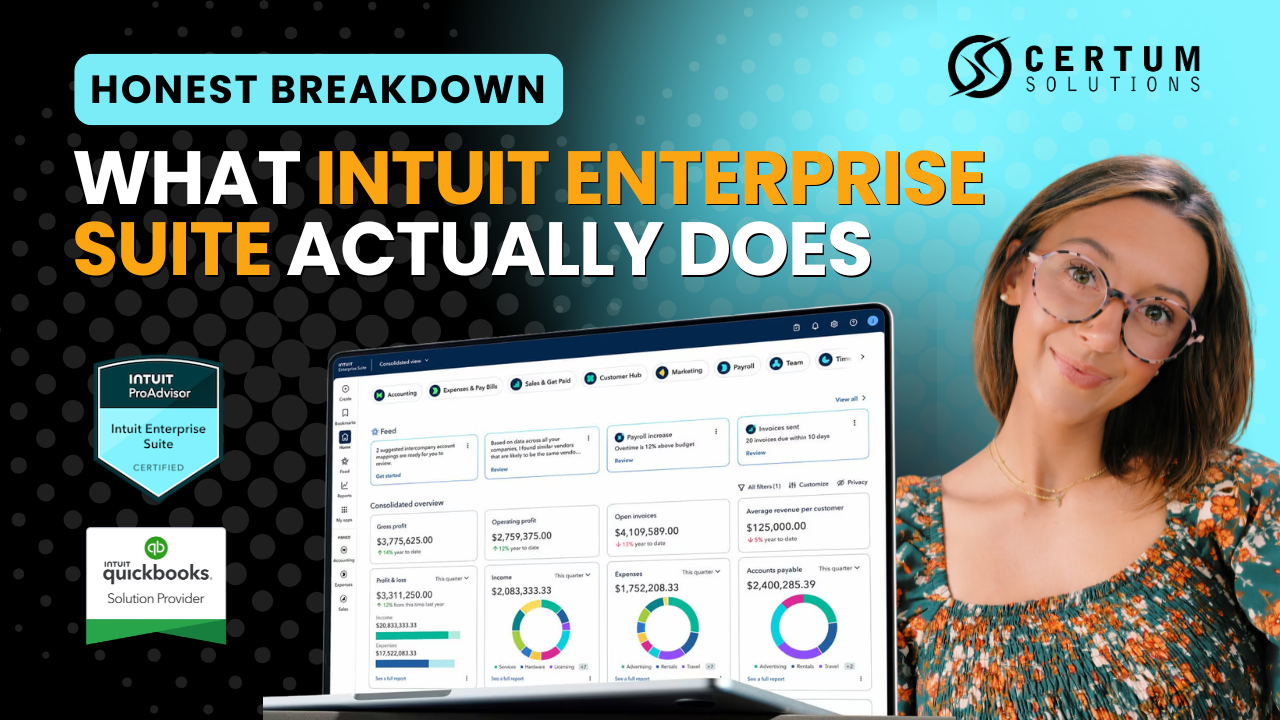
QuickBooks Online vs. Intuit Enterprise Suite: Is It Time to Upgrade?
Still on QuickBooks Online but feeling the squeeze? This guide cuts through the marketing noise and tells you exactly when QBO is still the right call — and when (IES) Intuit Enterprise Suite is the smarter move for your business.

QuickBooks Online Plans Compared (2026): Which One Is Right for Your Business?
QuickBooks Online Plus is the most purchased plan — but only when it's configured for how your business actually works. Most business owners who DIY their QBO setup spend weeks fixing what should have been set up right the first time.

QuickBooks Online Advanced: Backup & Restore Has Moved (2026)
This guide covers the 2026 change Intuit QuickBooks made to the location of the backup and restore feature in QuickBooks Online Advanced. It explains where the feature used to be, where it is now, how to turn it on, how to run both automatic and manual backups, the difference between the three backup types, and how to restore a previous backup.


How to Track Fixed Assets in QuickBooks Online Advanced
This video, hosted by our Founder Katie Bunschoten, provides insights into how to track fixed assets using QuickBooks Online Advanced. This feature has been recently introduced, and was previously a common issue faced by our clients when migrating from QB Enterprise.

A Gift for You: New Features in QuickBooks Online and the QuickBooks Ecosystem
Certum Solutions works with business owners to make their lives easier by setting up and implementing custom versions of QuickBooks that help our client’s companies grow. Out-of-the-box solutions are not realistic, especially with all of the industry niches we work with, including manufacturing, construction, retail and e-commerce, and nonprofit.


QuickBooks Online Advanced Gets Powerful Reporting Updates in March 2023
March comes in like a lion, roaring into action with a flurry of updates for QuickBooks Online Advanced®, QuickBooks Online®, and QuickBooks Payments.
I’m especially excited about the fleet of changes that make QuickBooks Online Advanced even better for creating, comparing, and sharing custom reports. If you’re planning to grow your business, these tools can help you make decisions by keeping the right data at your team’s fingertips.
FAQ
Frequently Asked Questions
-
Guides, comparisons, checklists, video tutorials, and client case studies covering QuickBooks, Xero, Zoho, ERP systems, inventory software, and general accounting topics for small and mid-sized businesses.
-
Certum's own accounting and ERP consulting team writes everything here, based on client implementations we've actually done — not generic outside content.
-
All three, plus Odoo, Cin7, Katana, and other ERP and inventory platforms. Certum is vendor-neutral, so the content reflects what actually fits different business situations, not one software brand.
-
Everything in the resource library — guides, checklists, comparisons, and downloads — is free to read and download, whether or not you're a Certum client.
-
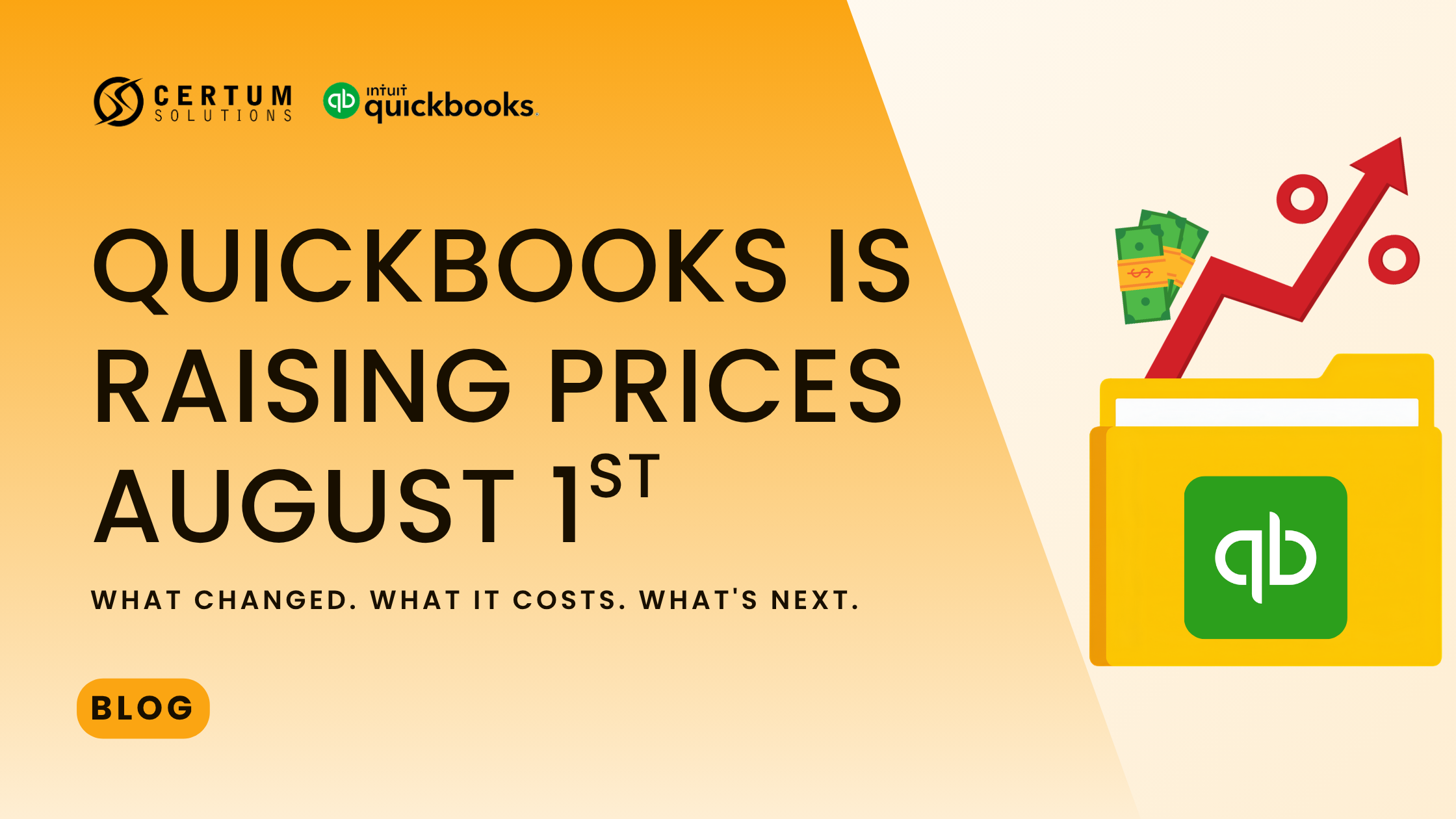
New guides and comparisons are added regularly, and existing posts are updated when software pricing, features, or plans change (like the 2026 QuickBooks Online price increase).
-
Start with the Software Comparisons category, or book a free consultation and tell us where you're at — we'll point you to the right guide or give you a direct answer.
-
Yes. Contact us at help@certumsolutions.com with what you'd like covered.
Featured
Featured Resources
Our most-requested guides, tools, and breakdowns — picked for businesses actively evaluating software, cleaning up their books, or getting ready to scale.
Printable Resources
More From Certum Solutions
Explore Additional Services
Certum connects it to your inventory, payroll, operations, and financial strategy — so every part of your business runs on the same source of truth.
Subscribe to our monthly email newsletter!
Let's figure out what your business actually needs
You don't need more software recommendations from someone who doesn't know your business. You need a straight answer from someone who does. Tell us where you're at; we'll tell you exactly what makes sense next, whether that's cleaning up your books, switching platforms, or building a financial system from the ground up. No pressure, no obligation, just clarity.
Prefer to call? (980) 210-6946